
Bringing It All Together
Export, Import, Connect - How Three Scripts Turn a Spreadsheet Into a Writing Room the AI Can Query

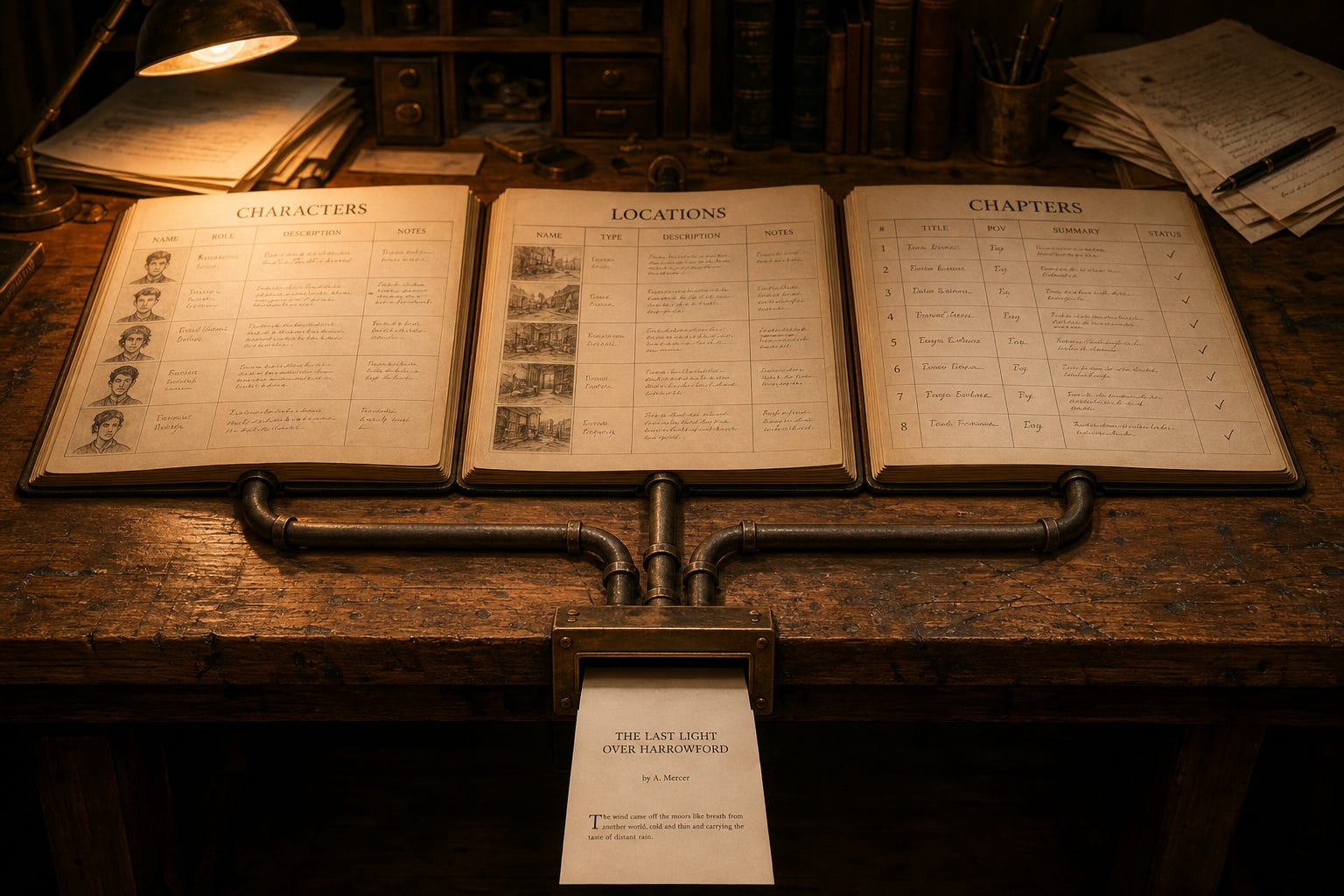
One command. Three files. Every character row from your character sheet, every location record from your location sheet, every chapter brief from your chapter tracker, all of it in JSONL, structured for the context window, ready to deploy with a single Claude tool call instead of a manual paste at the top of every session.
That is what the schemas were always building toward.
Six prior posts in this publication built the components: the character schema, the voice contract, the imageprompt field, the location schema, the standards document, the chapter schema and the pre-write brief.
Each one earned its own essay because each one solves a discrete continuity problem on a long-running project.
What none of those posts shipped was the wire that connects them. The schemas have always been queryable in principle, with the column names pointing at each other and the FK relationship between chapters and locations sitting in the workbook waiting to mean something to a system that could traverse it instead of a human eye scanning rows. They have not been queryable in practice. A spreadsheet is not an interface your AI can call.
This post is the wire.
Two Ways To Do This
Before we get into the pipeline, a decision point.
There are two ways to put your writing room data in front of your AI.
Option 1: JSONL. Export your workbook to JSONL. Attach the output files to your Claude session, paste them into the context window, or reference them in your system prompt. Claude reads structured data. It will use the records. No database, no server, no additional tooling. If your project is small or you want to get started today with no setup, this is your path.
Option 2: SQLite database with MCP. Export to JSONL, import into a SQLite database, and run a local MCP server that exposes the database to Claude as queryable tools. Claude can ask for a specific character by name, search every chapter by POV, or run a full-text search across all three tables in one call, without you attaching anything. The data is always current, always available, and Claude never touches the source.
I recommend Option 2.
JSONL in the context window works until it does not. A dozen characters and a handful of locations fits fine. Fifty characters, thirty locations, and two hundred chapters does not.
Context windows are large but not infinite. A session that has already loaded standards documents, voice contracts, and a chapter brief does not have room for a full workbook export on top of it. The MCP approach does not consume your context window at load time. Claude pulls exactly what it needs, when it needs it.
The other reason is search. JSONL attached to a session is a blob Claude reads sequentially. The SQLite approach includes FTS5 full-text search across all three tables. Claude can find every record that mentions a location, a character name, or a story beat across your entire project in one query. That is not something you get from a file attachment.
Option 1 is not wrong. It is simpler, it works, and for some projects it is the right call. The walkthrough prompt in Act 1 covers both paths. Start where you are.
The Filing Cabinet
You spent six weeks on a spreadsheet. Every field named right. Every column matched to one of the three published schemas.
The character sheet runs eighteen columns, every one of them named in Building Believable Characters. Your richest profile easily runs into the five figures of words. That is what backstory plus voice plus key wound plus convictions adds up to.
The location sheet runs twenty-eight columns, every one of them named in The Location Field. The must_mention cell carries a standing production note. The sensory_signature carries the room’s sound and light. The bell curve between peak and trough gives you every state in between.
The chapter tracker runs twelve columns, every one of them named in Building the Novel, Chapter by Chapter. The rows link POV, cast, location, storyline, and beat order across however many books you have.
Then you handed it to your AI as a paste-into-chat blob and watched the model hallucinate a character’s eye color twelve pages into the draft.
The schema without the pipeline is a beautiful filing cabinet nobody can open.
That is the gap this article closes. Four acts. Six files. One command at the end of each. The rest of this piece is the implementation.
